
免費在線橫幅製作器
創建引人注目的橫幅,讓您的品牌脫穎而出
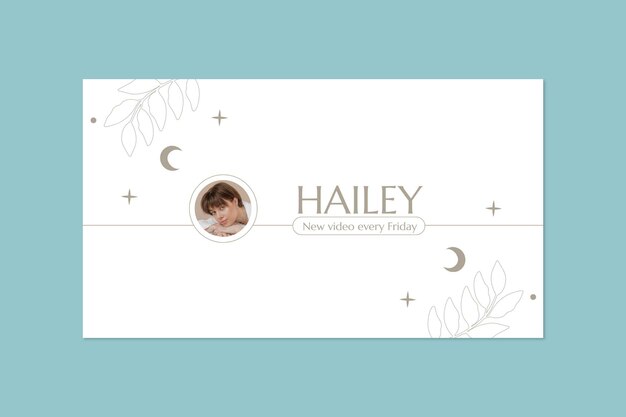
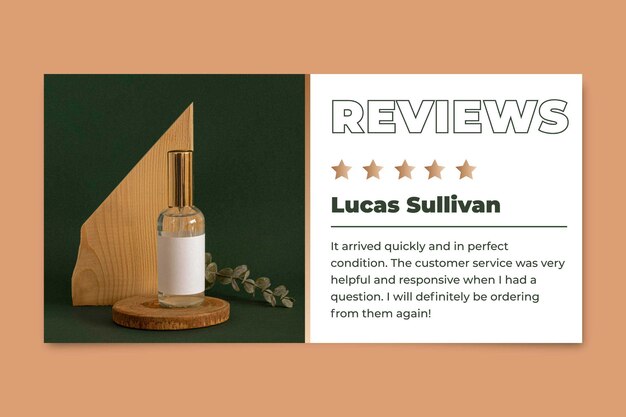




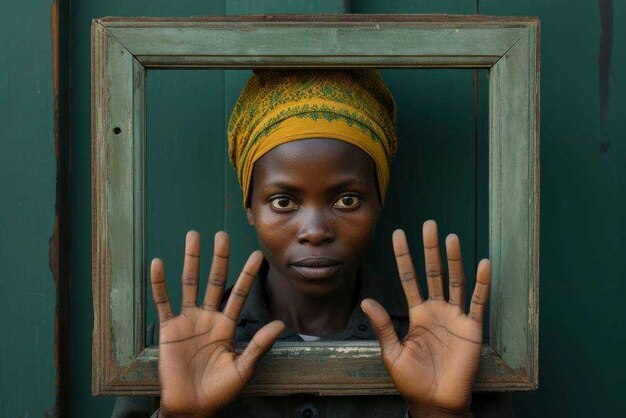










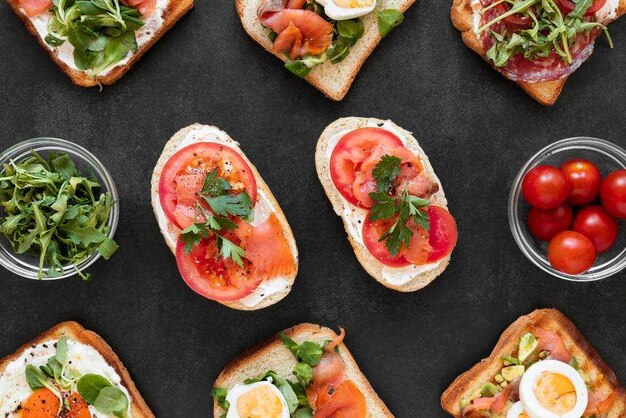


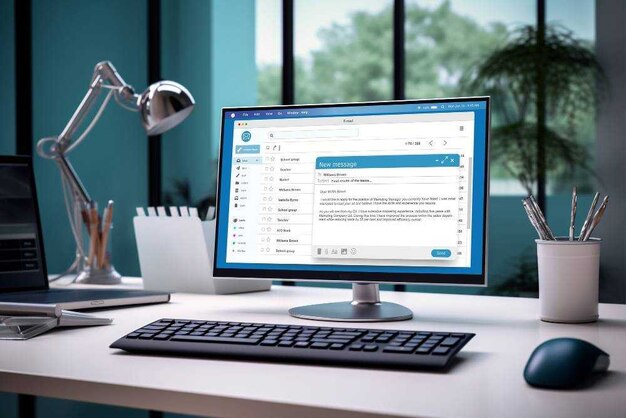



















這就是你應該這麼做
幾乎不用時間就能創建橫幅
發現如何設計一個吸引人的橫幅,用於社交媒體或您的網站,全由您掌握。即使您以前從未設計過任何東西,也能快速輕鬆完成。
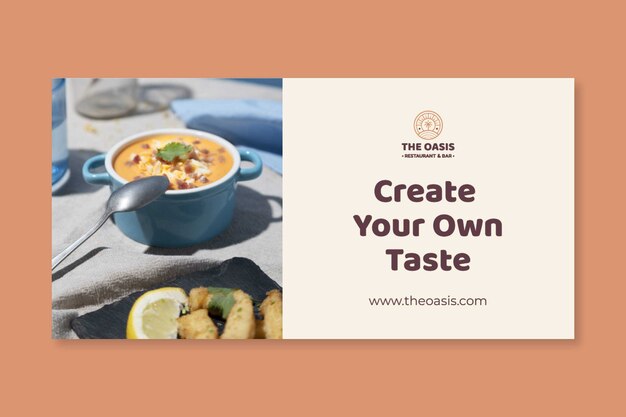
探索橫幅模板並獲取靈感
跳進一個等待激發你創意的橫幅設計世界。無論是你的社交媒體渠道還是網站,你都會找到合適的設計。
在直觀的在線編輯器的幫助下,上傳你的品牌標誌,修改任何顏色,並輕鬆拖放元素。你的夢想橫幅僅在幾下點擊之間!
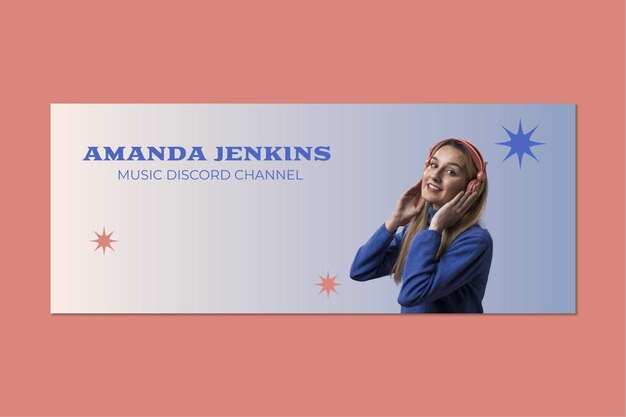
記住橫幅結構
1. 主標題: 這是你的吸引點,大而醒目的文字首先引人注目。
2. 視覺效果: 補充你的文字的圖片或圖形,使橫幅更具吸引力。
3. 行動呼籲: 提示觀眾你希望他們接下來做什麼。
4. 品牌標識: 通常是一個標誌或口號,識別橫幅與你的品牌或組織。
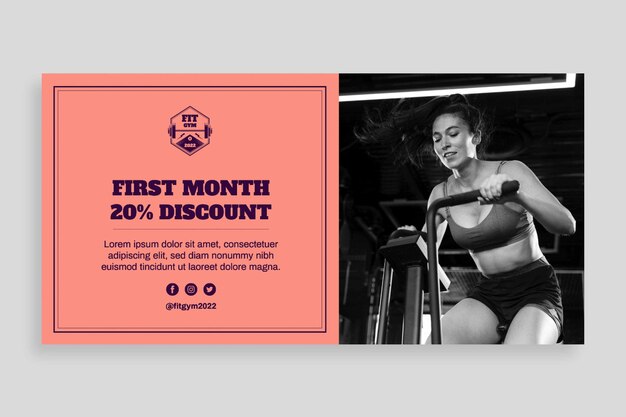
發現更多橫幅設計技巧
簡化你的信息: 思考你希望人們在看到你的橫幅後記住或做的主要事情。堅持這一點,刪除其他。
明智選擇顏色: 確保你的文字與背景形成鮮明對比。對比是易於閱讀的關鍵,即使在遠處。
選擇高解析度圖片: 如果你使用照片或標誌,確保其高解析度,因為模糊或像素化的圖片會破壞最終效果。
保持一致性: 確保你的橫幅感覺是品牌的一部分。你可以通過遵守品牌的色彩調色板和字體風格來實現這一目標。
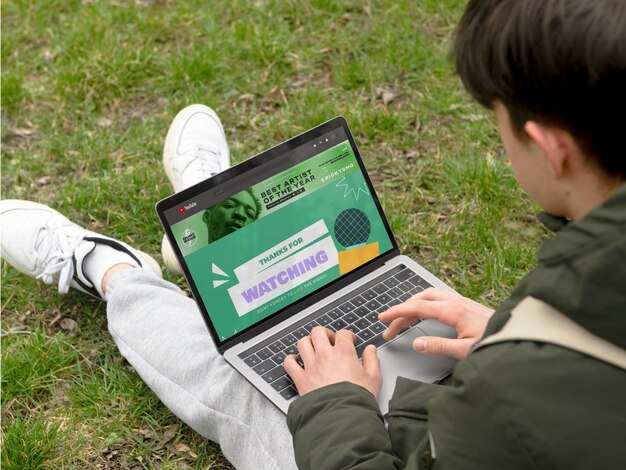
了解更多關於橫幅的資訊

What is a banner? Definition and types
You come across banners every day, you probably even curse them sometimes, they annoy you, they get in the way of smooth browsing, they distract you from what really interests you, and they are ALWAYS there. But it’s very likely that what you hate today will turn out to be your greatest ally tomorrow, and together you will achieve the goals you set for yourselves.

How to make a banner
Banners are a part of our information-sharing staple diet. We consume its information daily, sometimes without even realizing it. They are frequent and driven by impulse! Today they are also a way to monetize websites and apps, and if you stick them in the right place, you will see some incredible results. It is, in some ways, a form of currency on the internet, and for you to take full advantage of this strange advertising subculture, your banner must stand out.

What is social media advertising? Definition and sizes
Creating great online banner designs can be a challenge no matter what the occasion, even for experienced designers. Whether you’ve been designing digital content for years or just beginning to dip your toes into the world of graphic design, there are a few key elements that go into making banners that truly resonate and capture people’s attention.
常見問題
- 橫幅是一種視覺內容,通常是文字和圖像的混合組合,旨在引起注意並傳達信息。 它常用於廣告、促銷和網頁設計中,用於突出信息或鼓勵觀眾行動。 要有效使用它,把它放在目標受眾能夠輕鬆看到的位置。
- 數字橫幅通常的尺寸有 728 × 90 像素(Leaderboard)和 300 × 250 像素(中間矩形)。 印刷橫幅的常用尺寸如 4 × 8 英尺(2.44 米)。 你的選擇應該取決於展示區域和你希望橫幅的可見度。
- 橫幅應該清晰地展示一個能吸引注意的標題、一個引人注目的視覺或圖形來引起觀眾的興趣,並且有簡明的行動呼籲引導觀眾下一步該做什麼。
- 當然。點擊「查看橫幅模板」瀏覽我們所有的橫幅標誌,找到最適合你的。然後,在在線編輯器中根據你的喜好進行個性化設計,從顏色到文本,最後以你喜歡的格式下載最終結果。
- 一旦你的設計準備好了,在編輯器右上角找到下載按鈕,選擇 PNG、JPEG 或 PDF 格式,等待幾秒鐘直到下載完成。